- Products & Solutions
- Events & Resources
- Support
- Customers
- Company
- Products & Solutions
- Events & Resources
- Support
- Customers
- Company



Real World 101 Business Best Practices
Or Download Polarion ALM Data Sheet

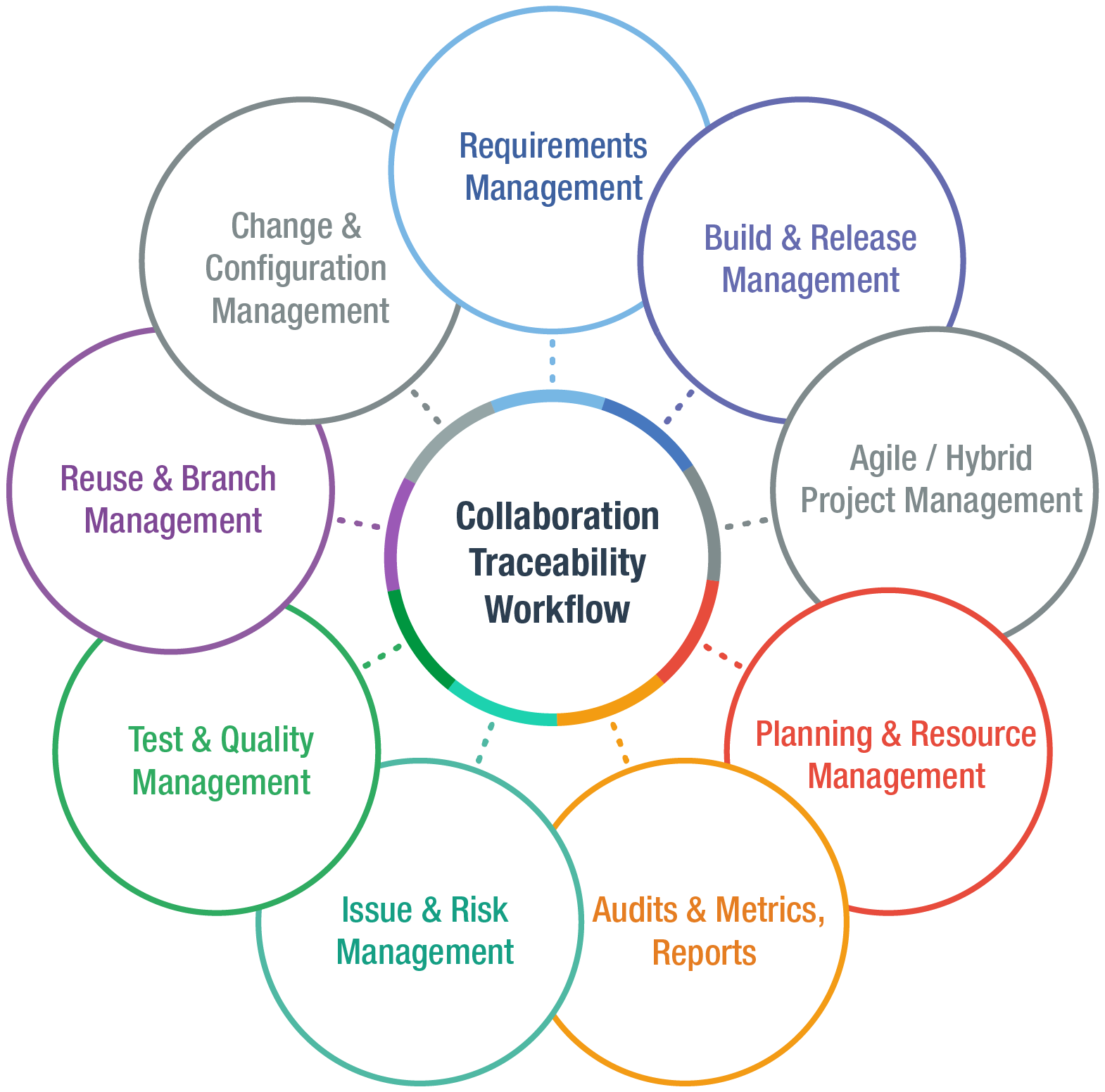
In legacy software development environments, many different point solutions are used to manage the application lifecycle. As a result, development artifacts are scattered, slowing down collaboration, hindering transparency, undermining integrity and making it difficult to drive innovation.
Polarion ALM gives organizations one unified solution that delivers project transparency through real-time aggregated management information. Everyone is aligned around what is being built and why to drive advancement while protecting integrity and compliance. This helps teams respond faster and with better quality to new business opportunities and customer demands.

Stephanie Schwendinger | System Development
“Polarion was fundamental to our success thanks to the real-time access to centralized information at the right level for each collaborator.”
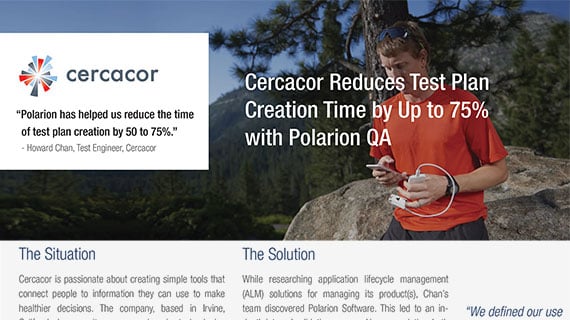
Cercacor created Ember, a device that non-invasively measures hemoglobin and pulse rate for the athletic market—two of the most sought after indicators for performance and race readiness.