- Overview
- Benefits
- Test Automation
- Try Now
- How to buy
- Extensions
Collaborative Test Management Solution

Collaboration
Collaborate With Peers Across Multiple Locations
Real Time Collaboration
Across Tools and Teams
- Secure access from any web enabled device
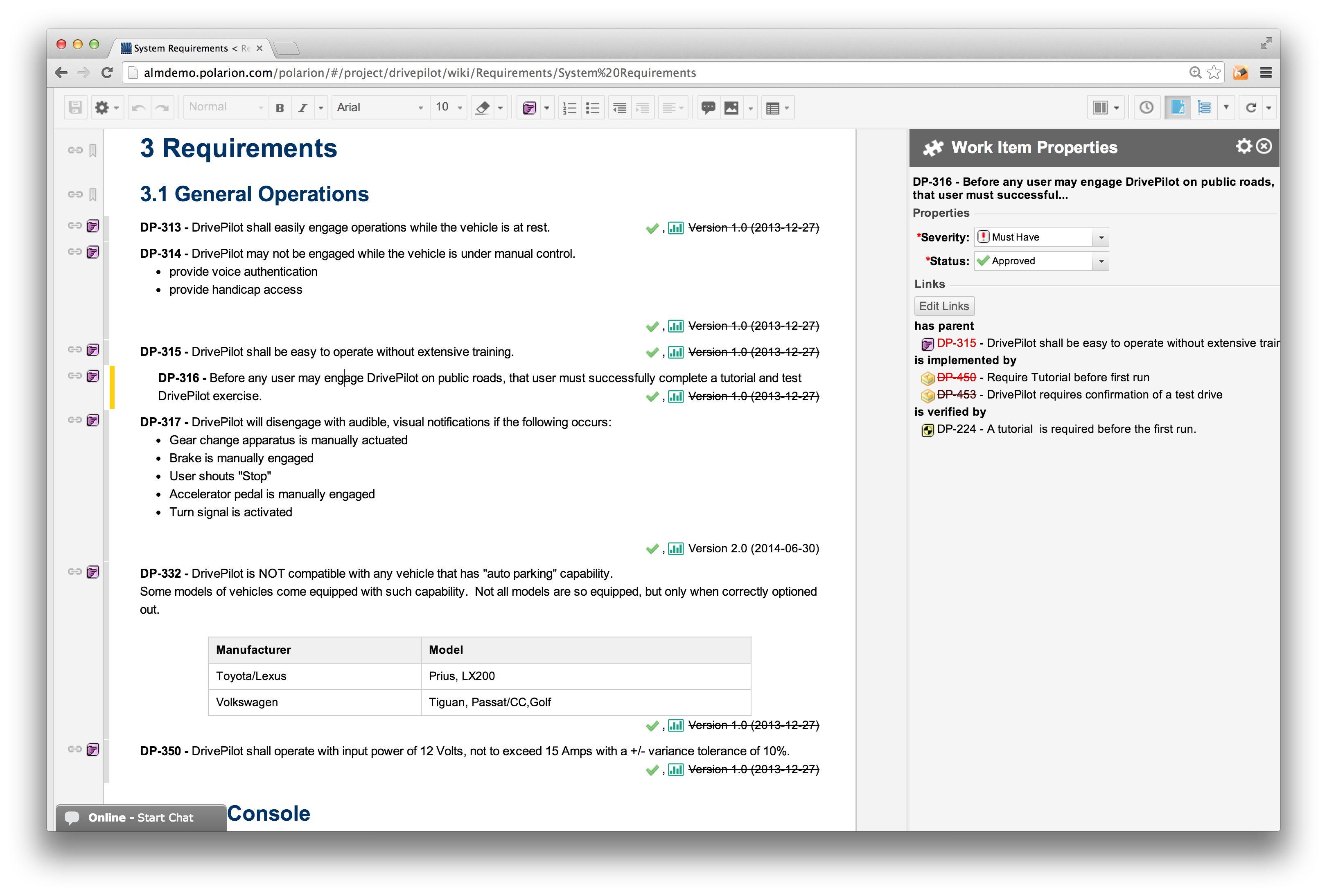
- Collaborate with peers using Polarion’s innovative LiveDoc™ Documents
- Read and sign documents electronically
- Share documents and test cases from anywhere
- Author test specifications as easy online documents, or in a state-of-the-art tracker tool.
- Streamline communications between departments with email notifications and subscriptions
Test Case Management
Complete Quality Management Platform
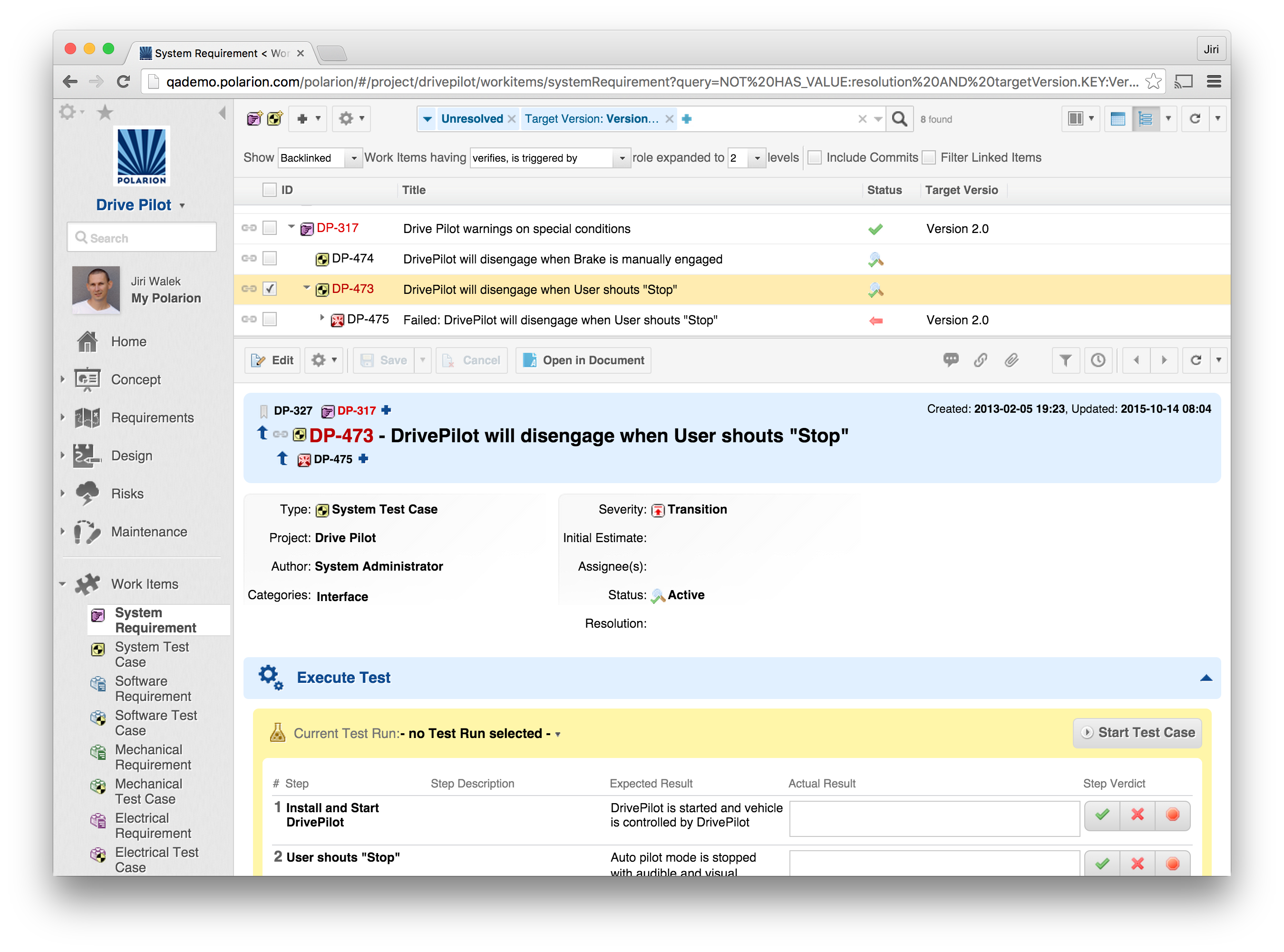
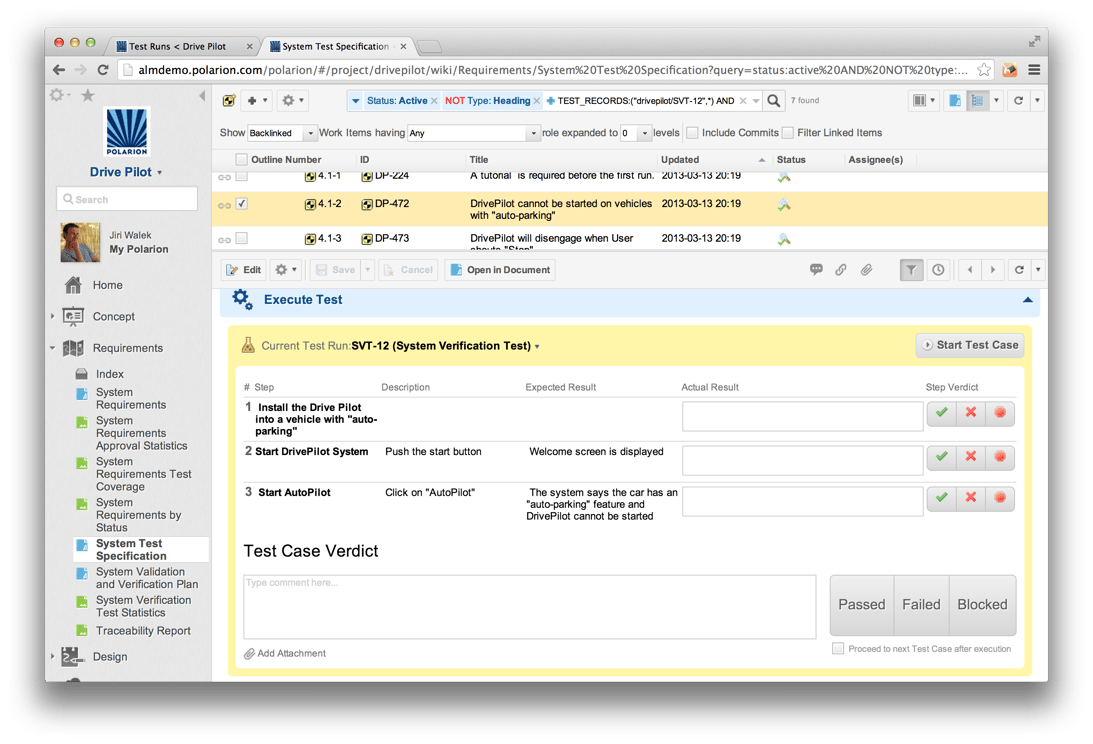
Supports testing activities such as test case development, execution, and management
- Easily create test cases and link them directly to your requirements
- Visual impact analysis to easily track the impact of any change
- Automatically create defect reports for developers based on test results
- Create and manage test specification documents to describe test cases that need to be executed to verify that the specification has been implemented
- Bi-directional synchronization of test cases between MS Excel and Polarion QA
Traceability
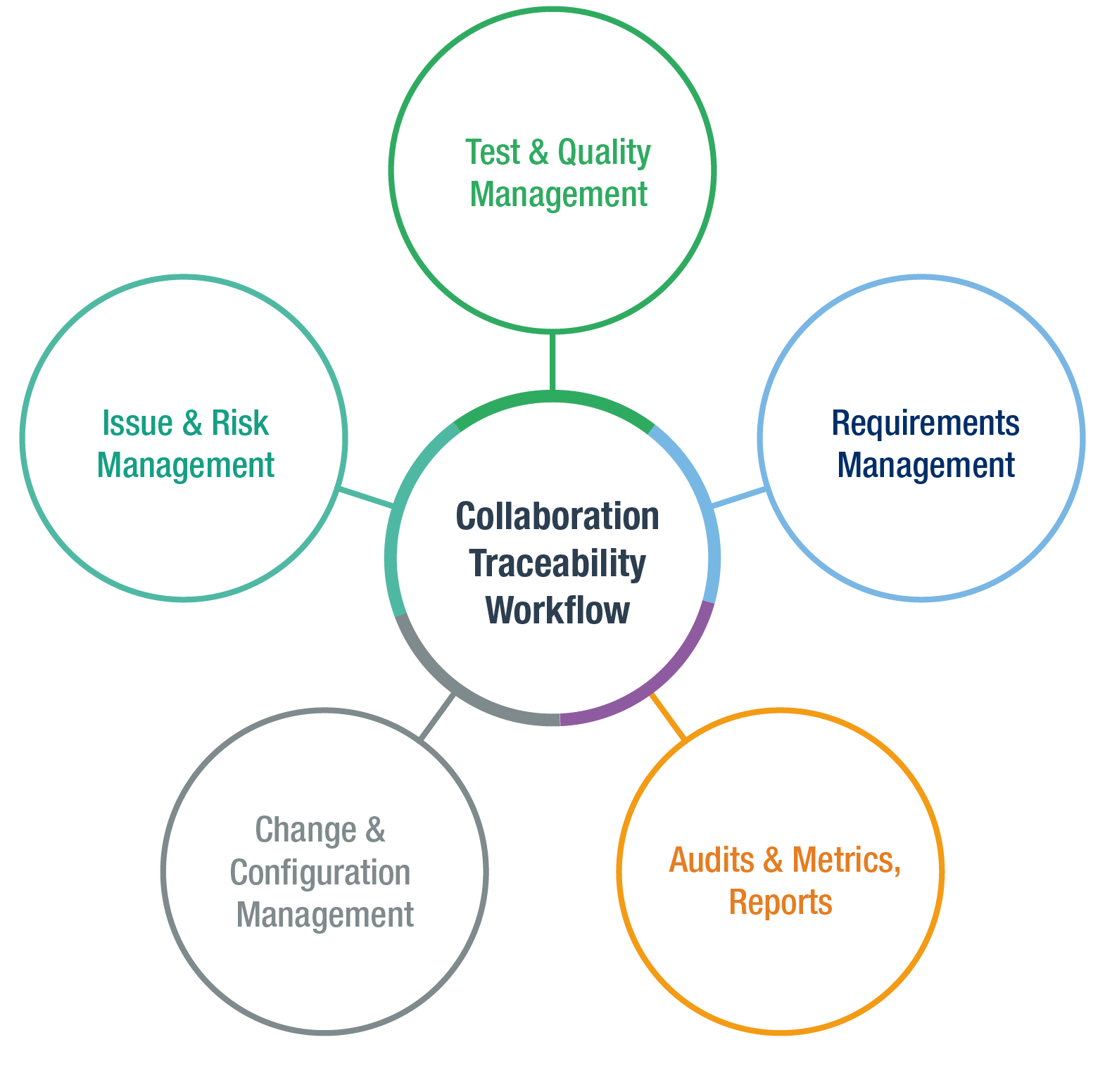
Understand the "Who, What, When and Why" of any changes
Visual Impact Analysis
- Link test cases to requirements managed in the same or different projects run by teams using Polarion® REQUIREMENTS™ or Polarion® ALM™.
- Comprehensive, automatic testing history and always up-to-date live traceability reports
- Pass any compliance audit easily
- Linking - Ability to link one to many or many to one across multiple projects
Practical Regulatory and Compliance Testing
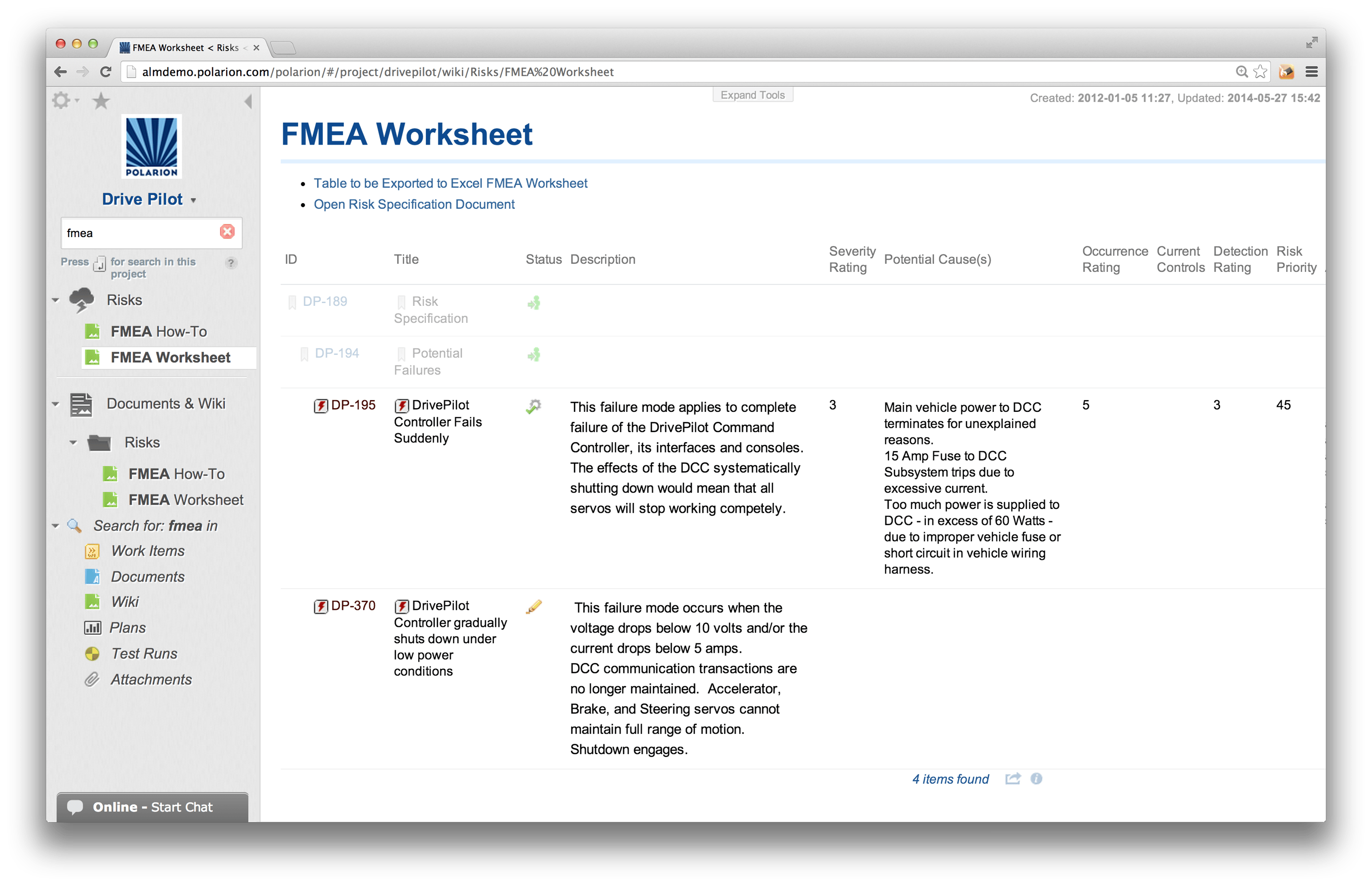
Identify all possible failures (as risk items), and plan tasks to mitigate the potential risk
- Built-in preconfigured project templates (fully customizable) will save you time when creating risk assessment for new projects
- Ensure your regulatory requirements are verified
- Real time analytics for assessment of failure modes including support for FMEA worksheets
- Reduce risk of critical bugs being untested before release into the field
Support any workflow or methodology
Flexible, Adaptable, Customizable Support for the way you build your software and systems
- Customizable workflow makes it easy to enforce and automate QA processes
- Support Agile, Traditional and Hybrid development environments
- Automate routine task so you can focus on important testing acivities
- Attain compliance with wide spectrum of industry
Online Authoring with "LiveDocs"
Leverage your existing Microsoft Office documents
The Usability of Word without any of the limitations
The Polarion Import Wizard easily recognizes and imports Microsoft Word and Excel documents that contain requirements, test cases, defects, etc. to a modern, web-based management platform.
- Imported documents look and edit exactly like the source documents
- Preview before import prevents time consuming errors
- Create professional looking documents for export.
- Supports PDF, MS Word, Excel, XML, HTML
- Document "RoundTrip"™ - Changes made outside of Polarion can be imported back seamlessly while keeping your original formatting.
Seamless Integration
Leverage skills from a community with more than 10000 members
Polarion QA offers numerous integrations
with popular testing tools such as
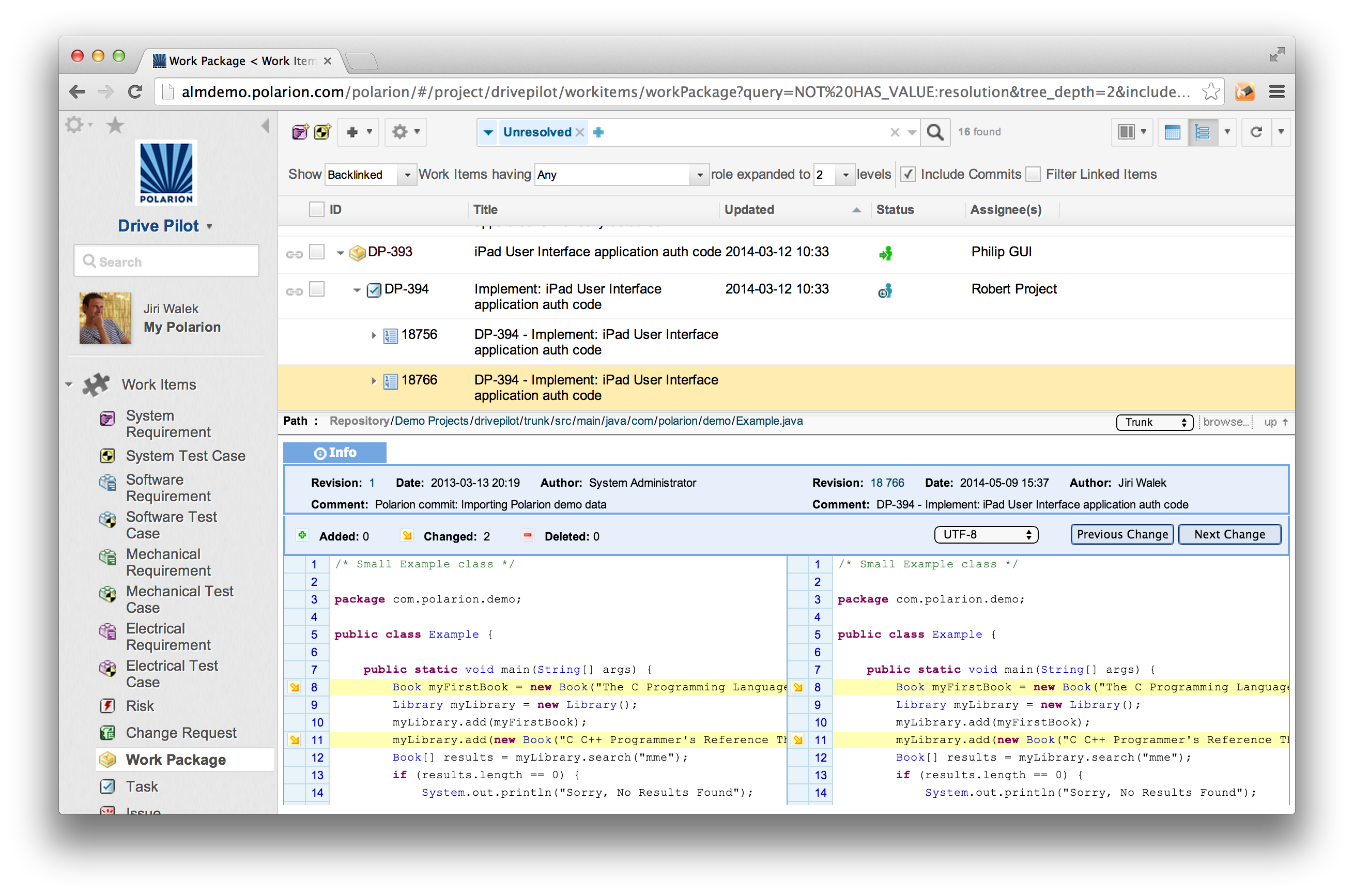
- The majority of open source test automation tools such as Selenium
- Jenkins/Hudson continuous integration tool
- Test and Performance tools- Eclipse TPTP
- MATLAB xUnit Test Framework
- xUnit.net testing framework
Like 100’s of existing users, you can leverage Polarion’s open API, which allows you to build your own apps and extensions for our million plus user community.
Real-world Reporting
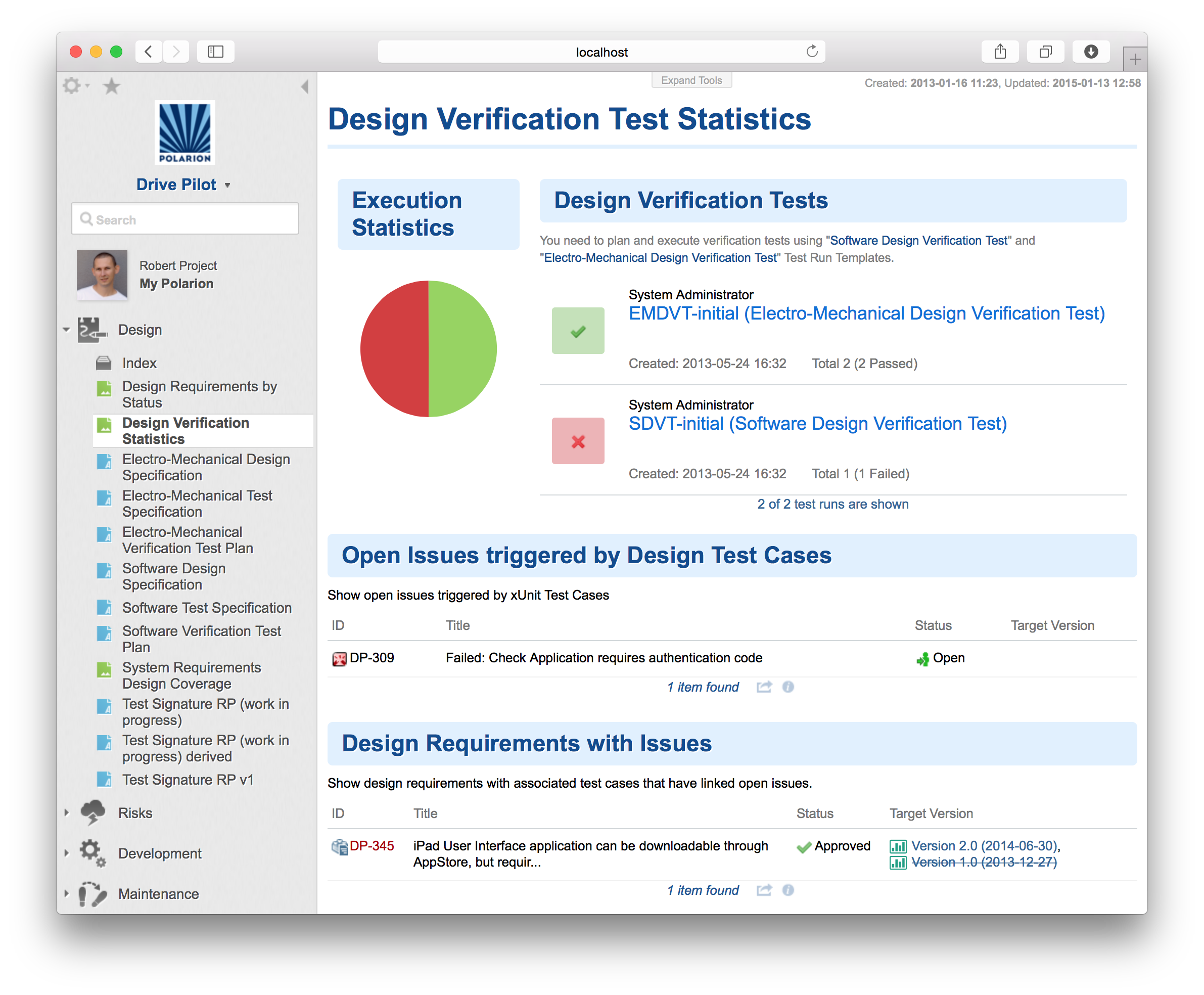
Polarion Live Reports™ and Live Dashboards™ show stakeholders the current status and results of testing activities.
- Complete visibility into any test project
- Reports cover commonly needed subjects and are fully customizable.
- Live Dashboards summarize current information to show managers exactly how things are progressing with any project
- Report across any number of projects
- View results in table or graphical view
- Overview
- Benefits
- Test Automation
- Try Now
- How to buy
- Extensions